
Many protocols
Manage V2Ray, Xray, and sing-box cores from one interface.
Open source · Free · Cross-platform
v2rayN is a graphical client for V2Ray, Xray, and sing-box. It runs on Windows, macOS, and Linux, and keeps protocols, subscriptions, and routing in one window. The current build is pre-release 7.25.2.
 Windows
 macOS
macOS Linux
Linux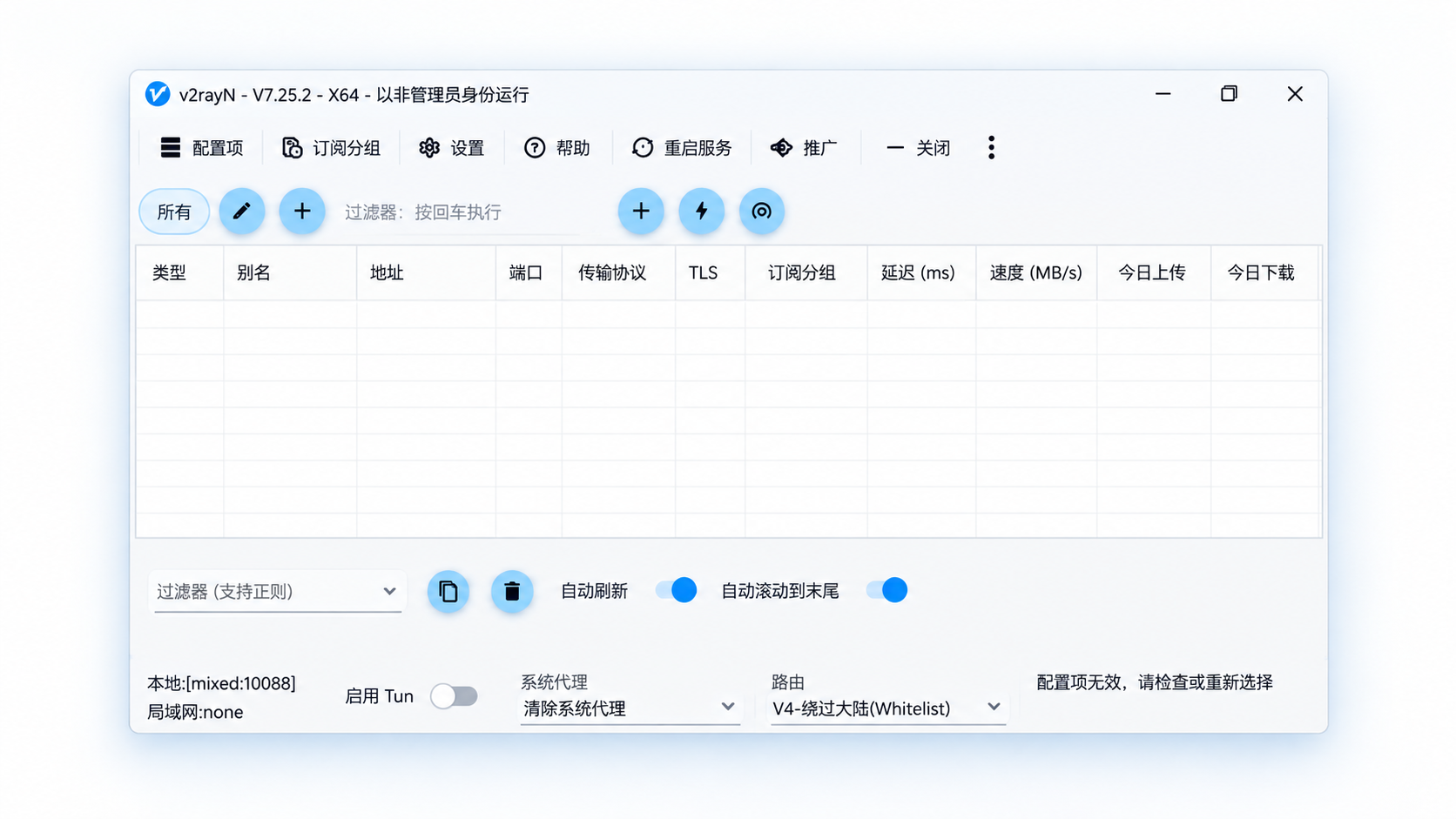
Manage V2Ray, Xray, and sing-box cores from one interface.

Subscriptions, routing, and DNS stay inside the client.

The same client idea on Windows, macOS, and Linux.
Multiple cores · Multiple protocols
v2rayN brings several proxy cores and protocols into one graphical interface. Manage servers, subscriptions, and connections without switching tools.
Manage cores such as Xray and sing-box in one client.
VLESS, VMess, Trojan, SOCKS, HTTP, and other common protocols.
Whichever core or protocol you use, you manage it in the v2rayN window.
Proxy cores
Protocols
 v2rayN
One graphical interface
v2rayN
One graphical interface
A simpler connection, a freer network
Flexible setup · Full control
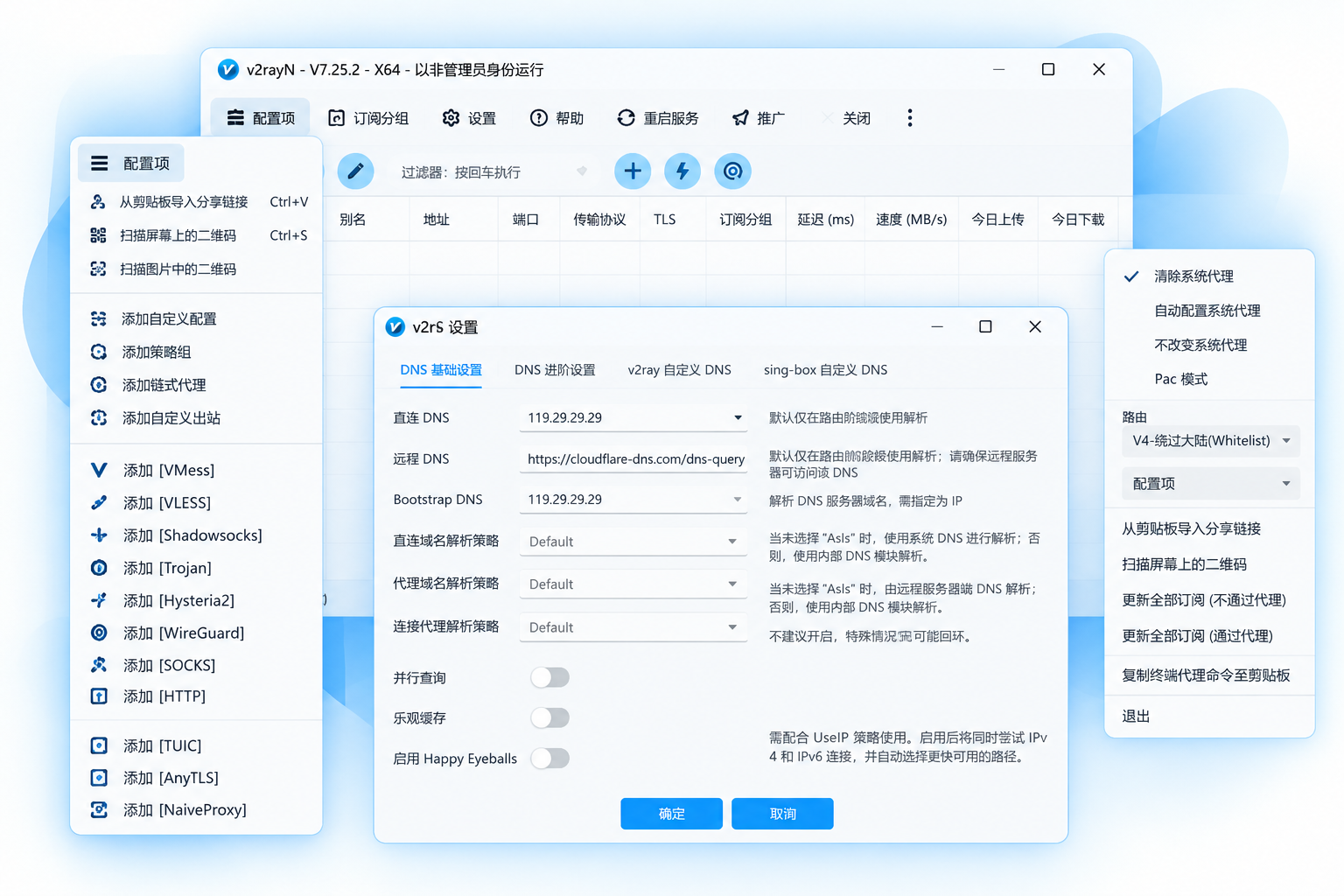
v2rayN is more than a way to connect to a server. Import a subscription to get started, or adjust routing, DNS, and the system proxy, all in one window.
Keep servers and subscriptions together, cut repeated steps, and make day-to-day upkeep simpler.
Set how traffic is handled for different network needs, so the way you connect stays flexible.
Manage DNS, the system proxy, and related settings in the client, and adjust them for each environment.
Three clients
v2rayN has clients for Windows, macOS, and Linux. Each one shows the same window, so servers, subscriptions, and routing work the same way on every machine.
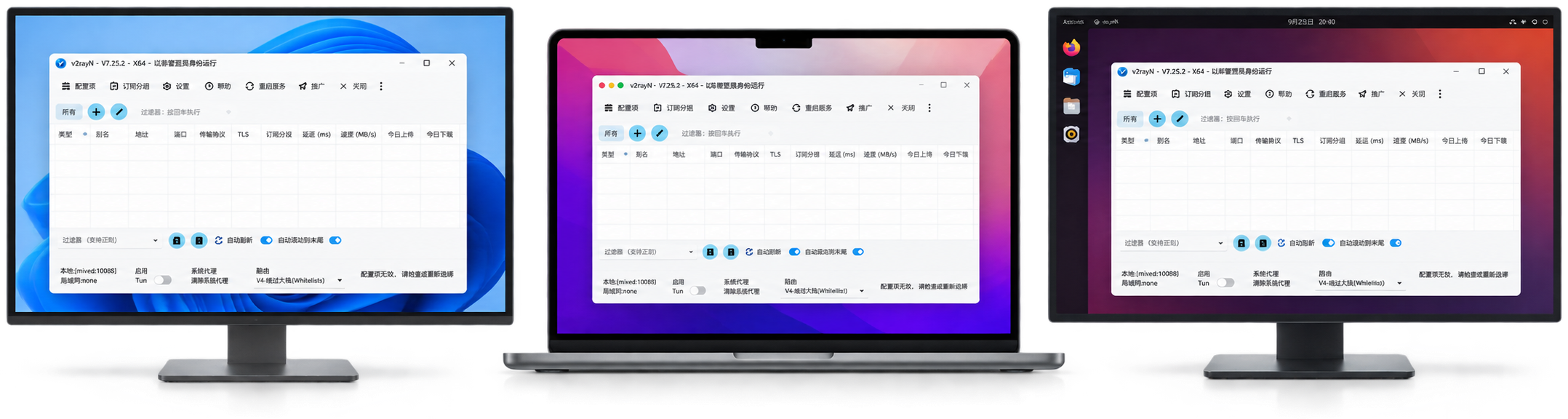
Open the client on the Windows desktop to manage the server list and subscriptions.
Use the same window on a Mac, with the same setup as on Windows.
Launch the client in a graphical session. The controls match the other two systems.
Three steps to open v2rayN.
Pick the build for your system.
Import your own subscription or add a server.
Start v2rayN and forward traffic by your rules.
The client, systems, and everyday use.
v2rayN is a graphical client for Windows, macOS, and Linux. It manages cores such as Xray and sing-box, and keeps servers, subscriptions, routing, and network settings in one window.
Yes. v2rayN is open source, and the project is hosted on GitHub.
v2rayN currently has desktop builds for Windows, macOS, and Linux. Download the release that matches your system and processor.
No. v2rayN is the client. It imports, manages, and uses connection profiles. You provide the server, subscription, or other connection details.
v2rayN supports cores such as Xray and sing-box, and can manage profile types including VLESS, VMess, Trojan, Shadowsocks, SOCKS, and HTTP. Support can change with the core and the release. See supported cores and protocols.
The system proxy uses the operating system’s proxy settings for apps that follow them. TUN mode uses a virtual network interface and can cover a wider range of traffic. For everyday use, start with the system proxy.
Check that the profile is valid, a server is selected, the core started, and the system proxy or TUN mode is on for the way you are using the client. If it is still failing, read the client log and the core log.
For issues in the window, settings, speed test, or updates, check guiLogs. For core problems, the core output is available from the information area in the main window.
Download the client and keep your proxy profiles in one place.